ANDROID DEVICES CONNECTION
When the Controller is turned off, press and hold the SHARE button, and then press and hold the HOME combination key (SHARE HOME) for 3 seconds, the Controller enter the Pairing and the white channel LED on Controller flashing Open the Android device, search and find the Bluetooth name "Wireless Controller and click it for connecting. If the Controller pairing timeout could not be connected to the device, the Controller will shut down and sleep in about 60 seconds.
1.10S DEVICES CONNECTION
2. Make sure your iPhone, iPad devices have been upgraded to 105 13 andabove system.
3. When the Controller is turned off, press and hold the SHARE button, and then press the HOME combination kay (SHARE HOME), long preas for 3 seconds, the Controller enter the Pairing and the white light on Controller flashing
open the Settings of iPhone & iPad device, click the "Bluetooth" and turn it on search and find the device name "DUAL SHOCK & Wireless Controller" and click it for connecting.
Remark:
If the Controller pairing times out and cannot be connected to the device, the Controller will shut down and steep in about 60 seconds, and it only supports MFI Games.
Specifications
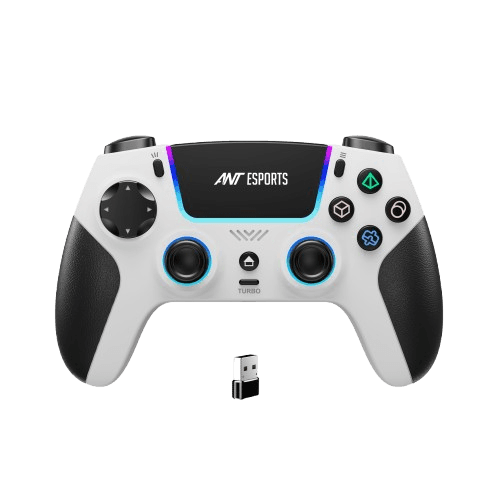
* BT + 2.4G wireless connection |
* Includes USB dongle |
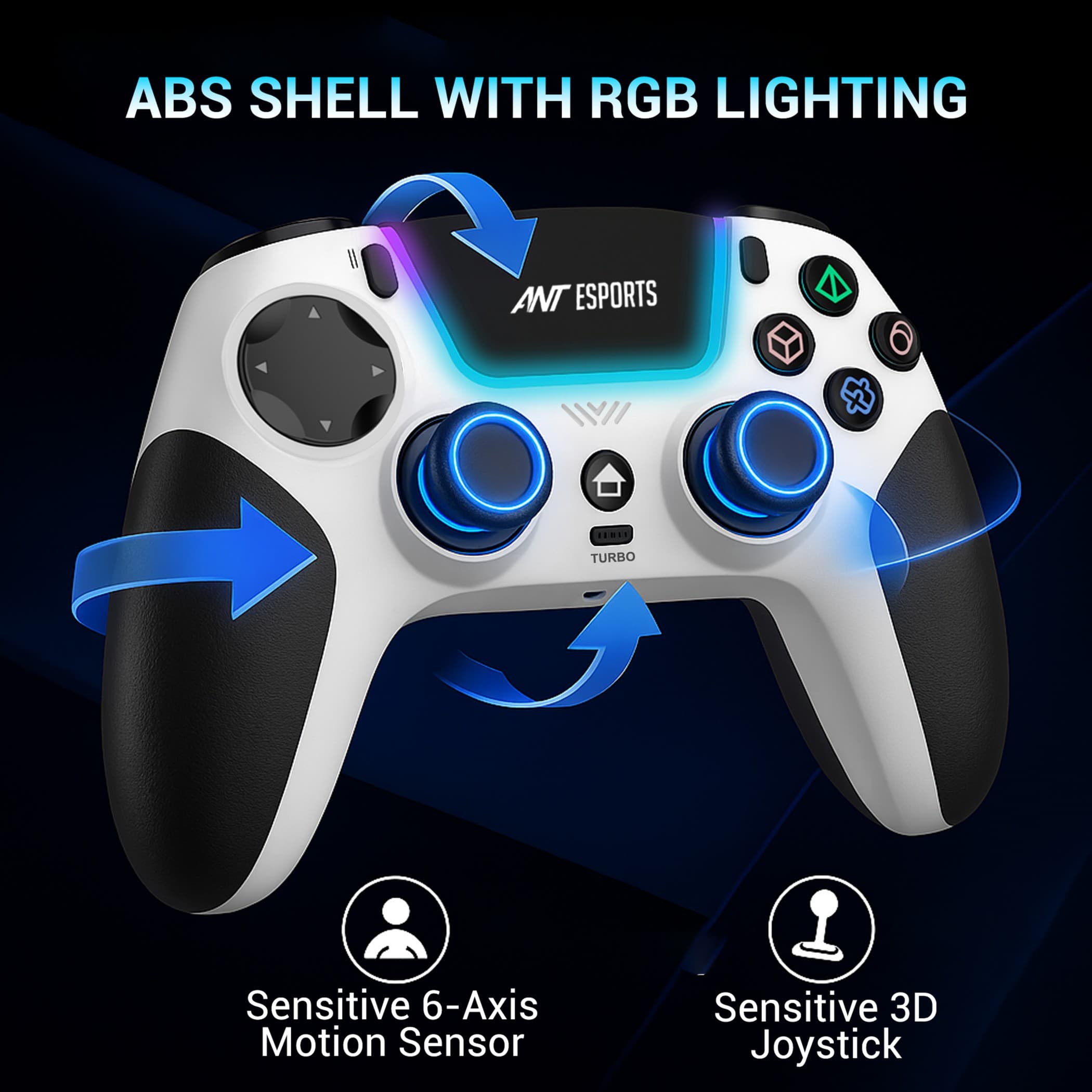
* ABS plastic shell with RGB lighting |
* Wireless range: up to 6 meters |
* Dual vibration motors |
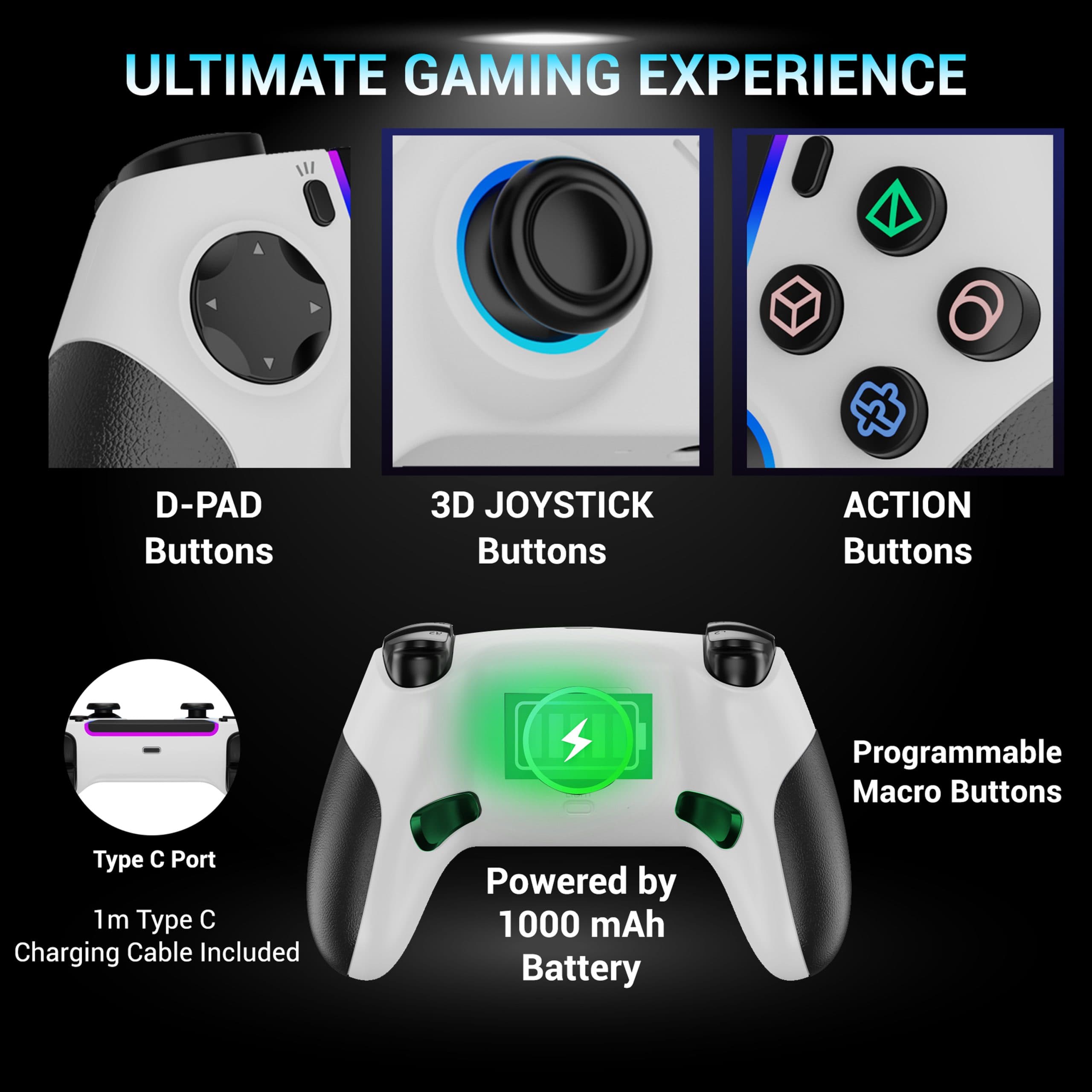
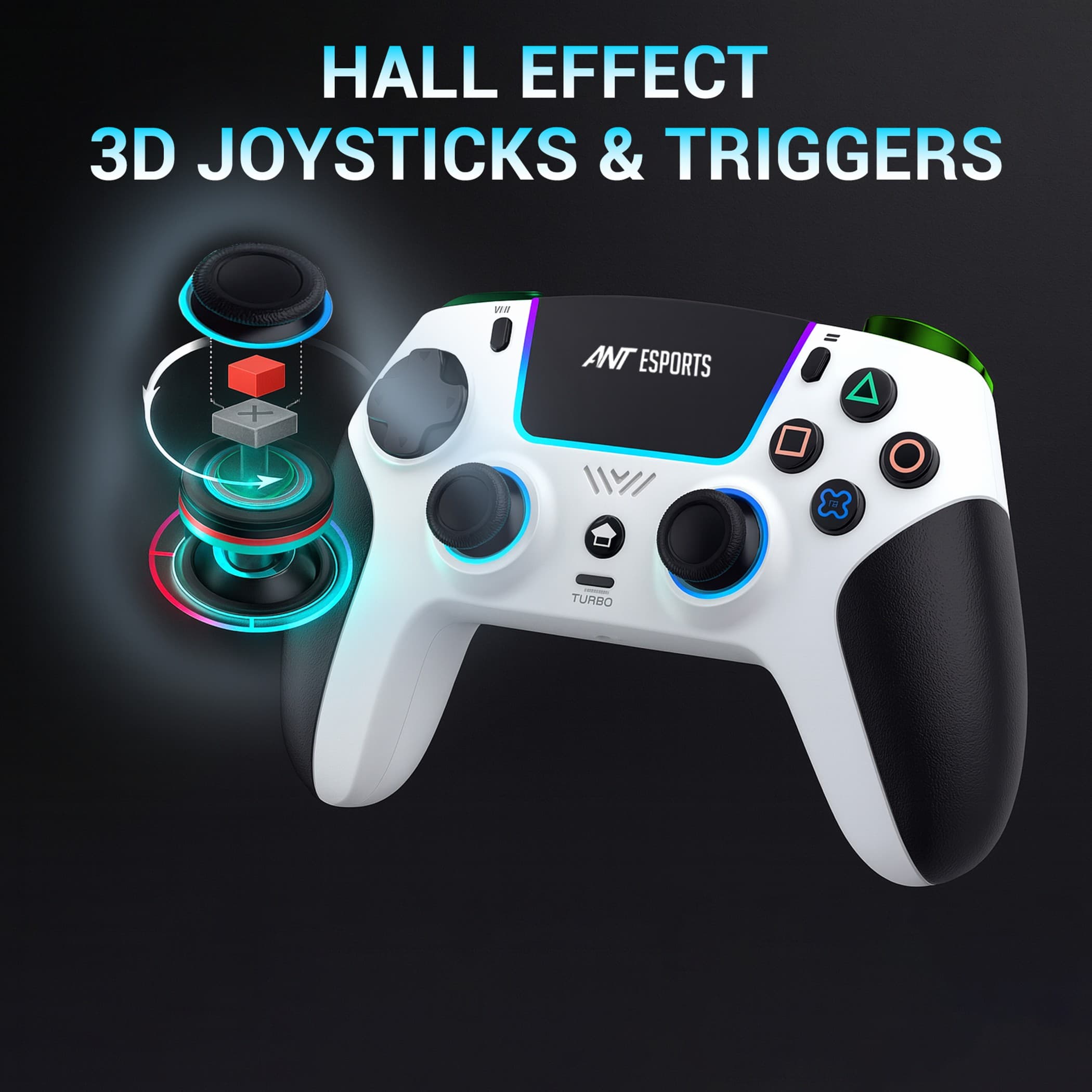
* Two Hall Effect 3D joysticks |
* Built-in 1000mAh polymer battery |
* 1.0m Type-C charging cable included |
* Light Bar and 3.5mm audio jack |
* TouchPad & six-axis motion sensor |
* Two programmable back buttons (macro function) |
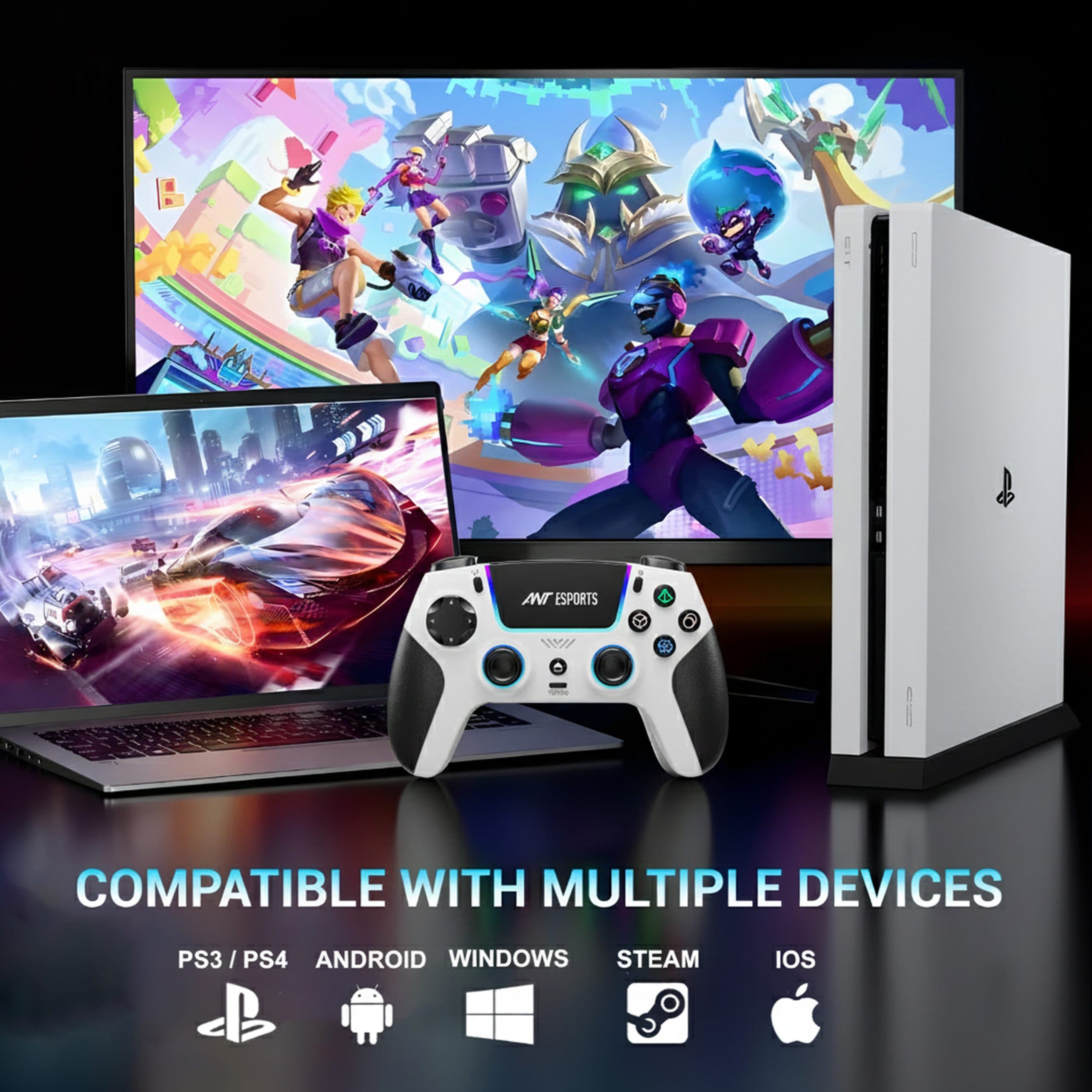
* Compatible with PS4, PS3, IOS, Android, PC, Steam |
* Battery: 3.7 V 1000 mAh Li battery |
* Charging Voltage: DC 5V |
* Charging Current: -500mA |
* Charging Time: =2.5 hours |
* Working Distance: 10 m |
* Audio Distance: 6 m |
* Working Voltage / Current: 3V / =170mA |
* RAM Working Current: <5uA |
Loading reviews...


