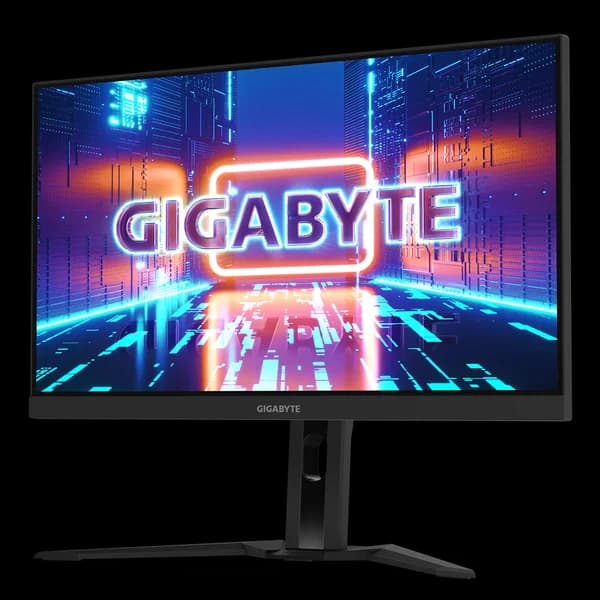
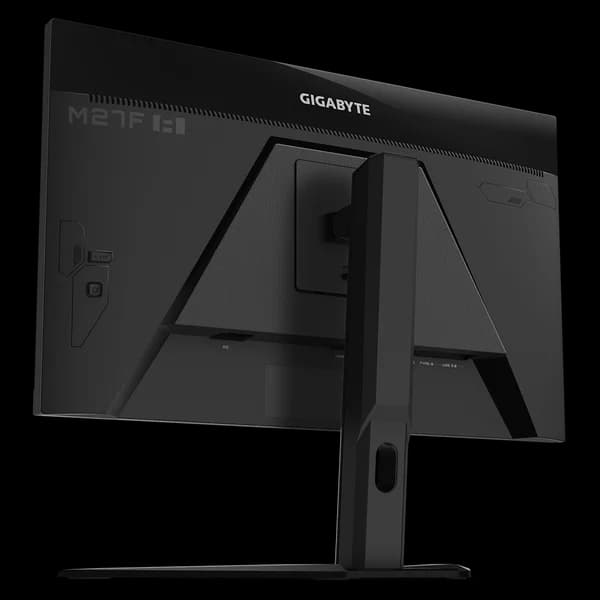
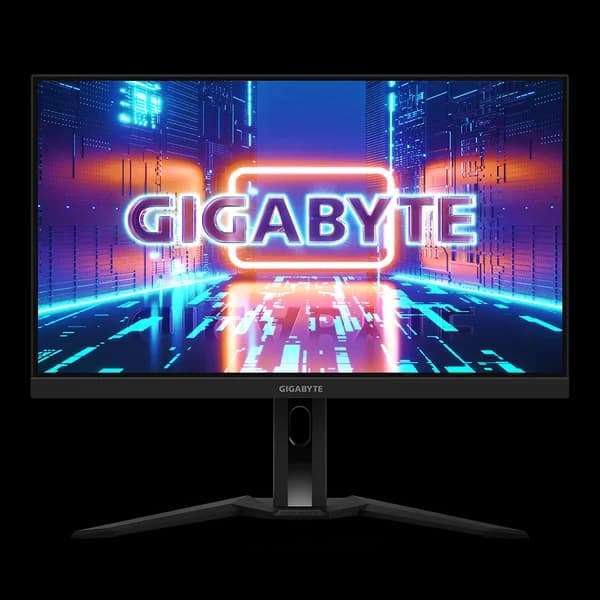
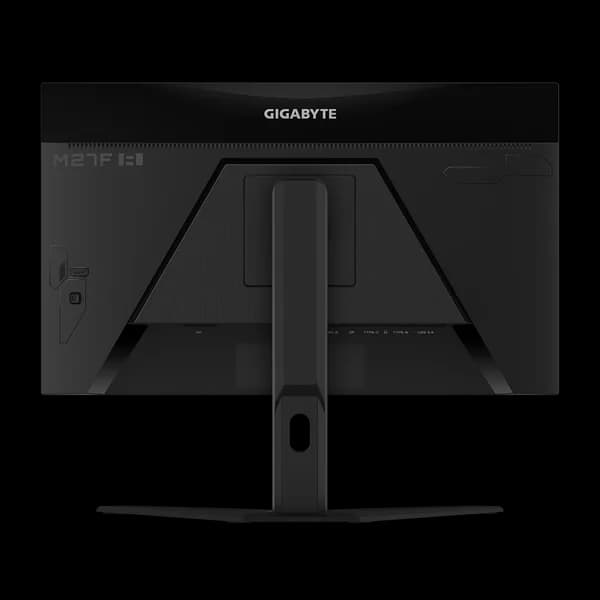
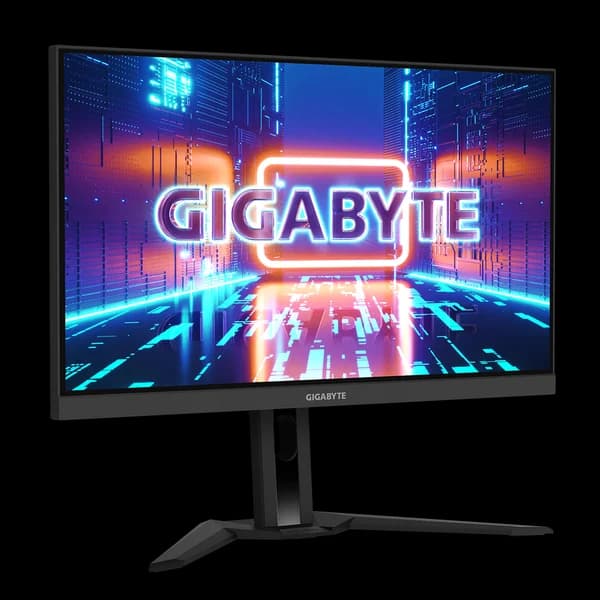
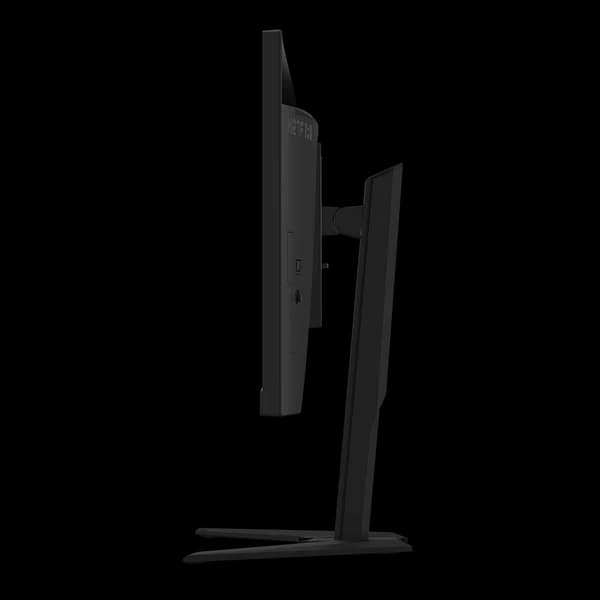
As an unseen player, monitor is often being underestimated. The truth is monitors form as a synergistic effect and bring out the best performance of PC components. GIGABYTE gaming monitors offer the ultimate specifications and quality, users can truly enjoy upscale performance without the need for extravagance.
1ms GTG Response Time Super fast 1ms response time for the most smooth gaming experience ever!
FHD & 165Hz High resolution and fast refresh rate, giving you the detailed display quality and fluid gaming experience!
8-bit color, 99% sRGB Fantastic color display and 99% sRGB super wide-gamut color.
The streamline appearance represents the simplicity of the GIGABYTE gaming series design philosophy, sturdy stand and matte finish built for functional and aesthetic features adding more to the characteristics.
OSD Sidekick GIGABYTE OSD Sidekick allows you to set the display options with keyboard and mouse, giving you the easiest way to adjust monitor settings.
Crosshair This feature will allow you to customize crosshairs that helps improve your aim in the shooting game.
Timer Onscreen timer will assist you on tracking the elapsed game time.
Aim Stabilizer Sync The latest upgrade allows you to reduce motion blur and enable V-Sync technology at the same time!
Dashboard The dashboard reveals your real-time hardware information including CPU voltages, clock speed, temperatures, etc. The best part is that it won’t be blocked by any games.
Black Equalizer This feature allows you to have more details of the dark side without overexposing the bright side at the same time.
HDMI CEC By connecting monitors with game consoles, the built-in HDMI CEC technology can effectively allow a greater level of communication between the devices.
Apply Picture Mode This function allows customizable picture mode setting, various picture modes can be selected depending on different input sources.
HIGHER LEVEL OF CUSTOMIZED COLOR ADJUSTMENT With the help of Six Axis Control, it’s able get to control six colors (red, green, blue, cyan, magenta, and yellow) individually. It allows you to more accurately display the color gamut on the monitor.
Auto-Update Users can effortlessly enjoy the finest gaming experience with features GIGABYTE continues to develop and upgrade while giving extra protection to your monitor.
Flicker-Free Preventing eye strain and fatigue.
Low Blue Light Certified by TÜV Rheinland for eye health protection.
GIGABYTE Gaming monitor features an exclusive stand that's ergonomically designed to offer extensive range of height and tilt adjustments.
Specifications
Panel Size (diagonal) | 27” SS IPS |
Display Viewing Area (HxV) | 597.736 x 335.664 mm |
Panel Backlight/Type | Edge type |
Display Surface | Non-glare |
Color Saturation | 99% sRGB |
True Resolution | 1920 x 1080 (FHD) |
Pixel Pitch | 0.3108 (H) x 0.3108 (V) mm |
Brightness | 400 cd/m² (TYP) |
Contrast Ratio | 1000:1 |
Viewing Angle | 178°(H)/178°(V) |
Display Colors | 8 bits |
Response Time | 1ms GTG |
Refresh Rate | 165Hz |
HDR | VESA DisplayHDR400 |
Flicker-free | Yes |
Connectivity | 2 x HDMI 2.0, 1 x DisplayPort 1.2, 1 x USB Type-C (Alternate Mode; Upstream port; Power Delivery up to 18W), 2 x USB 3.0 Downstream ports, 1 x USB 3.0 Upstream port, 1 x Earphone Jack |
Speaker | 3W x 2 |
Unique Features | OSD Sidekick**, Aim Stabilizer Sync, Black Equalizer, Dashboard, Crosshair, Timer, Counter, PiP/PbP, Auto-Update, KVM, 6-axis Color Control, Smart OD, HDMI CEC, Apply Picture Mode |
Power Type | Power Board Built-in |
Power Consumption | 28W* |
Power Saving Mode | 0.5W |
Power Off Mode | 0.3W |
Voltage | 100~240Vac |
Tilt (angle) | -5° ~ +20° |
Swivel (angle) | N/A |
Pivot (angle/direction) | N/A |
Height Adjustment | 130 mm |
VESA Wall Mounting | 100 x 100 mm |
Kensington lock | Yes |
Physical Dimension with Stand (WxHxD) | 615.7 x 517.49 x 229.33 mm |
Physical Dimension w/o Stand (WxHxD) | 615.7 x 371.15 x 59.9 mm |
Box Dimension (WxHxD) | 738 x 222 x 509 mm |
Net Weight | 7.5 kg |
Net Weight without Stand | 5.6 kg |
Gross Weight | 10.747 kg |
Accessories | Power cable, HDMI cable, DP cable, USB cable, QSG, Warranty card |
Notes | Test condition follows CEC standards. *OSD Sidekick requires PC connection via USB cable |
Loading reviews...


